


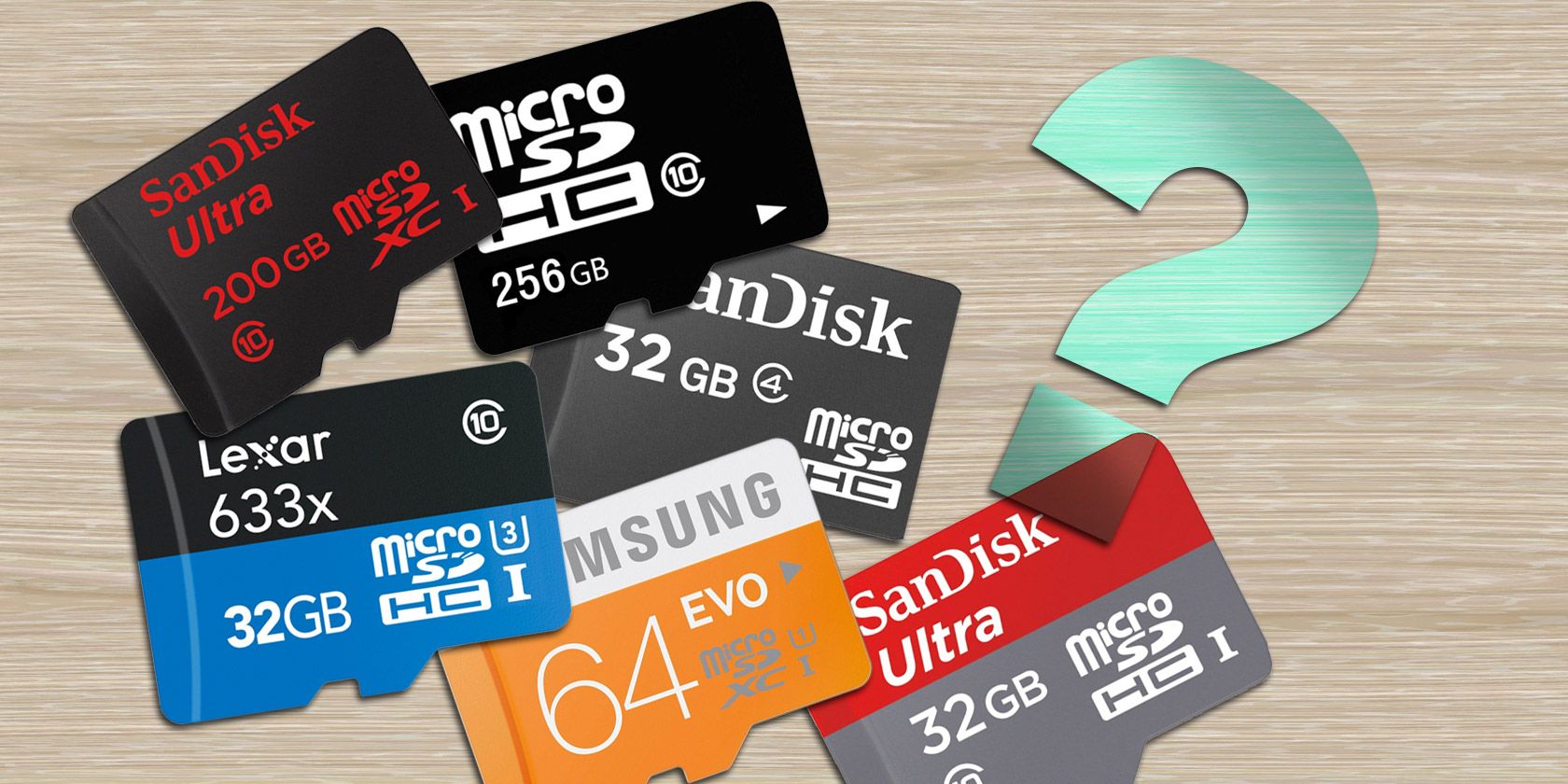
Memory cards are essential tools for storing and transferring data in various electronic devices such as cameras, smartphones, and tablets. While they may seem straightforward to use, there are common mistakes that many people make when handling memory cards. In this detailed guide, we will explore these mistakes and provide valuable insights to help you avoid them, ensuring the optimal performance and longevity of your memory cards.
1. Not Formatting the Memory Card
One of the most common mistakes people make is failing to format their memory cards before using them. Formatting prepares the card for use and ensures compatibility with the device. It also erases any existing data, freeing up space for new files. Without formatting, you may encounter compatibility issues or experience corrupted files. To avoid this, always format your memory card using the device it will be used in, following the manufacturer’s instructions.
2. Removing the Memory Card Improperly
Another frequent mistake is removing the memory card from a device without properly ejecting it. Abruptly removing the card while it is still being accessed by the device can cause data loss or even damage the card itself. To avoid this, always use the eject or safely remove hardware option provided by your device’s operating system before physically removing the memory card.
3. Overloading the Memory Card
Using a memory card that is too small for your needs can lead to another common mistake – overloading the card with too much data. When a memory card is filled to capacity, it can slow down the device’s performance and increase the risk of data corruption. To prevent this, choose a memory card with sufficient storage capacity for your needs and regularly transfer or delete files to free up space.
4. Ignoring Speed Ratings
Memory cards come with different speed ratings, which indicate how quickly data can be read from or written to the card. Ignoring these speed ratings can result in slower file transfers or even incompatibility with certain devices. When purchasing a memory card, consider the speed requirements of your device and select a card with a suitable speed rating to ensure optimal performance.
5. Using Memory Cards in Extreme Conditions
Memory cards are sensitive to extreme temperatures, humidity, and exposure to water or magnetic fields. Using a memory card in such conditions can cause permanent damage and data loss. To avoid this, store your memory cards in a cool and dry place and protect them from water and magnetic sources. Additionally, avoid exposing the cards to direct sunlight or extreme temperature fluctuations.
6. Not Regularly Backing Up Data
Failing to regularly back up the data stored on your memory card is a mistake that can have devastating consequences. Accidental deletion, corruption, or loss of the memory card can result in permanent data loss. To mitigate this risk, establish a regular backup routine. You can use cloud storage services, external hard drives, or even duplicate your data on multiple memory cards to ensure its safety.
Conclusion
In conclusion, understanding and avoiding common mistakes when using memory cards is crucial for preserving the integrity of your data and ensuring optimal performance. By following the guidelines outlined in this guide, such as formatting the memory card, properly ejecting it from the device, and regularly backing up your data, you can maximize the lifespan of your memory cards and minimize the risk of data loss. Remember to choose memory cards with suitable storage capacity and speed ratings, and protect them from extreme conditions. By implementing these best practices, you can make the most out of your memory cards and enjoy a seamless data storage and transfer experience.